How do I schedule a Media Shoot on Apartments.com?
Scheduling a Media Shoot
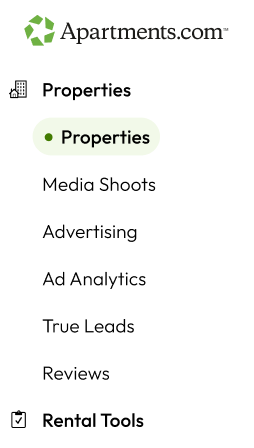
- Log in to your Apartments.com account and select Properties in the left navigation.
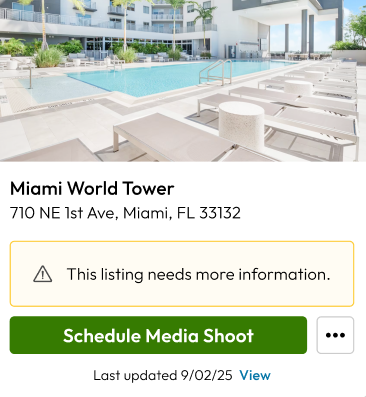
- Select Schedule Media Shoot under the property you want to schedule a shoot for.
The scheduling flow begins and the Space Selections page appears.
- Select which spaces you would like to include in your shoot and select Continue when you are done.
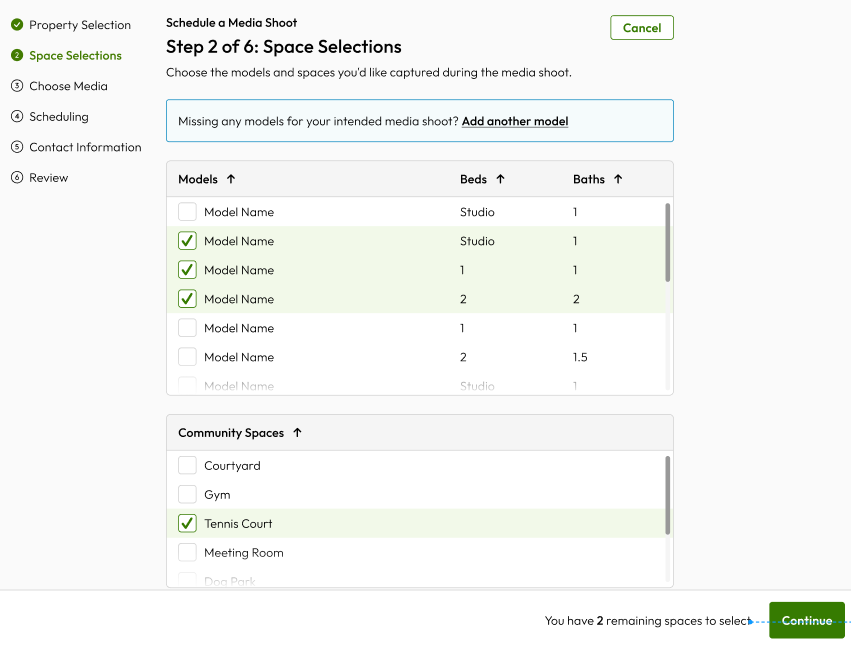
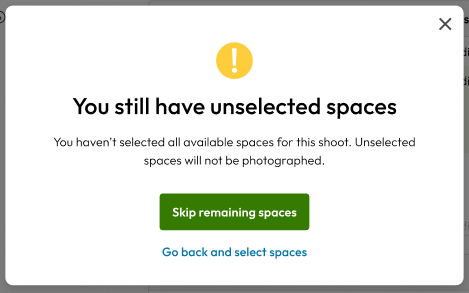
Note: A pop-up appears if you do not select/use all of your allocated spaces. Select Skip or Go back to continue.
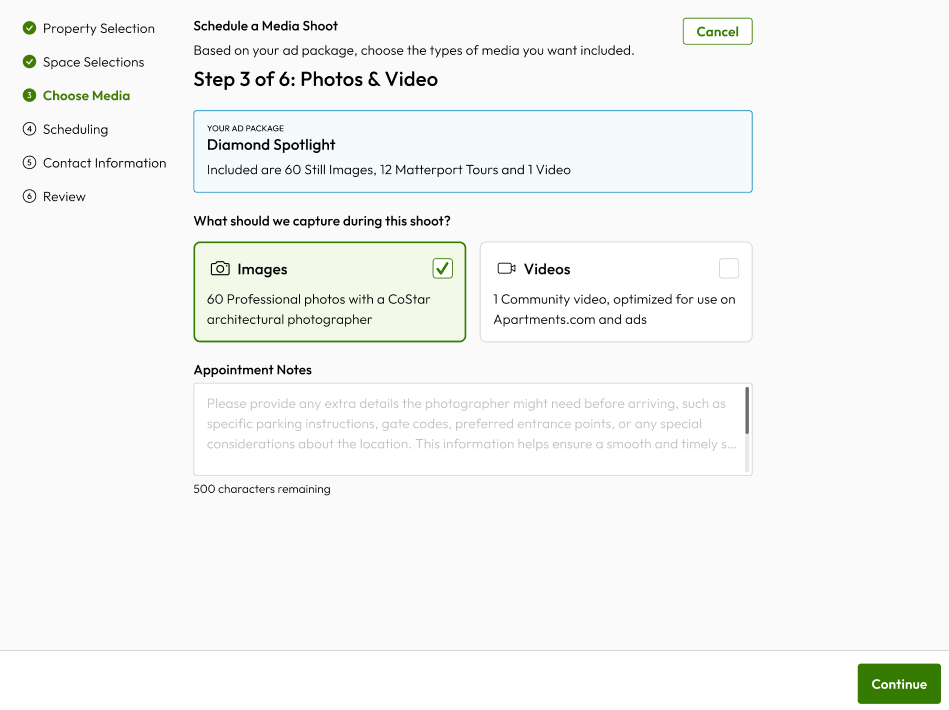
- Select what type of media you would like to capture during your shoot and then select Continue when you are done.
- Select which date and time you would like to schedule your shoot for then select Continue when you are done.
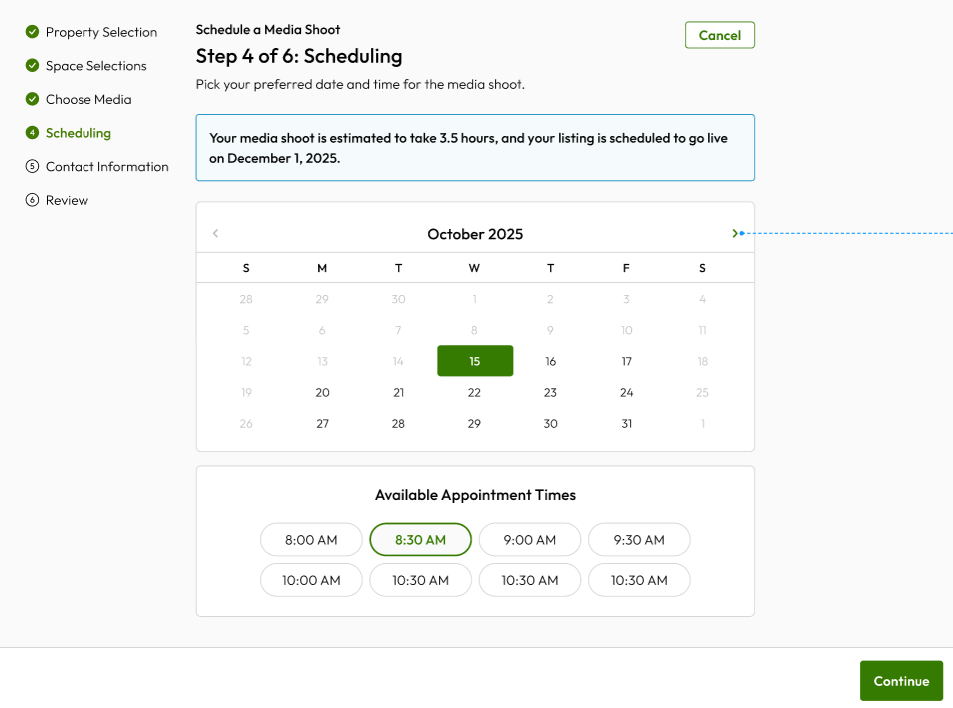
Note: An estimated appointment duration will be provided after your shoot has been scheduled.
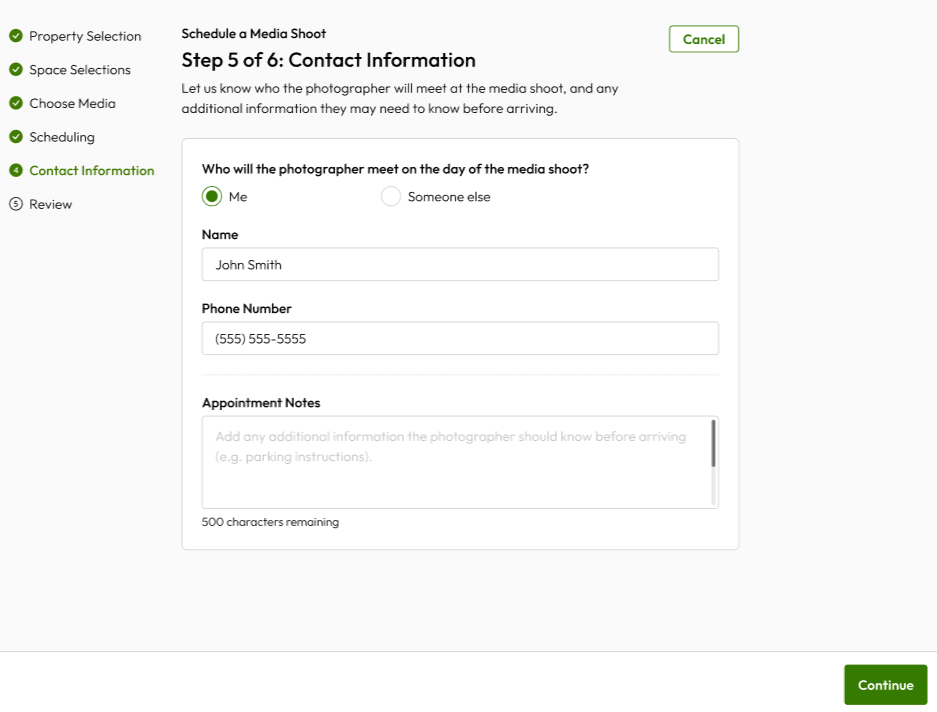
- Enter your contact information and any notes you would like to include with your appointment. Select Continue when you are done.
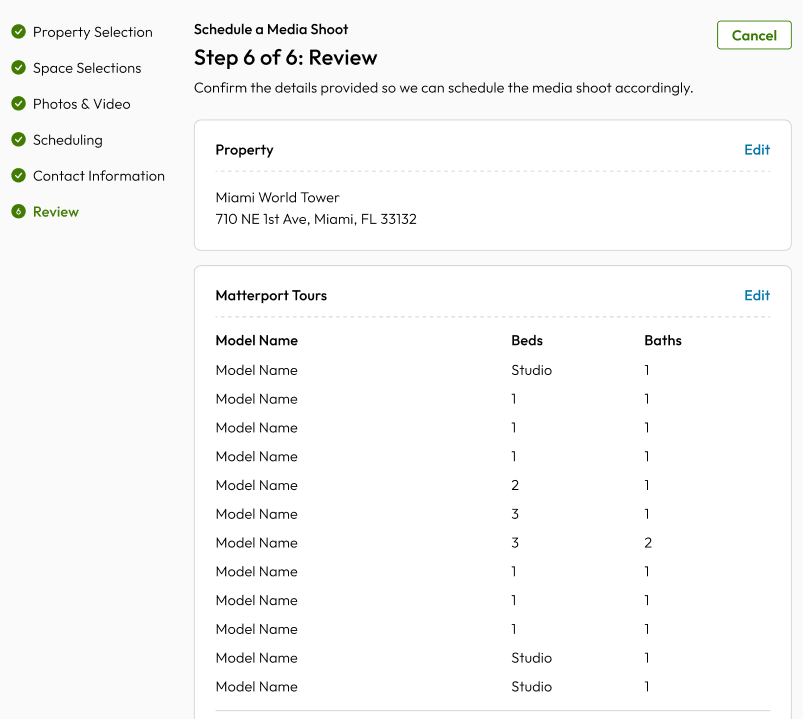
Your Media Shoot Review page appears.
- Review your Media Shoot and then select Confirm and Schedule when you are ready to book your appointment.
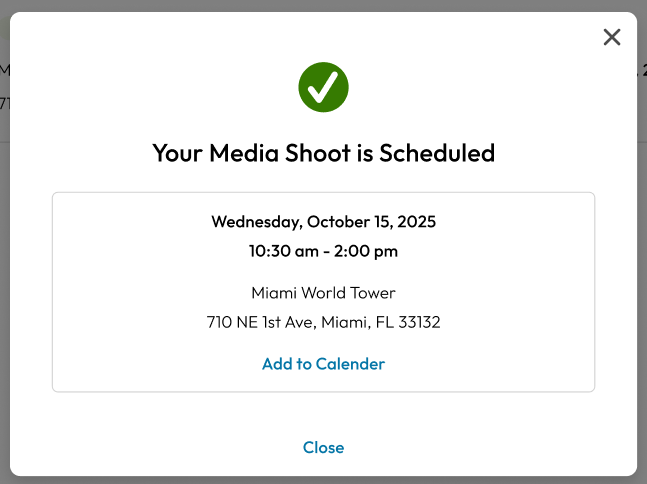
Your Media Shoot is scheduled.